
SIMPLE SHORTCUTS & SECRETS
Photo Editing Made Easy
For busy wedding & portrait photographers so you can close that laptop sooner.
My Top 5 Navigation Shortcuts in Lightroom Classic

Speed is everything when you're editing hundreds—or thousands—of photos. And if you’re still getting around in Lightroom Classic with your mouse or trackpad, it’s time to level up.
These five keyboard shortcuts will help you navigate Lightroom faster so you can improve your editing workflow.
Why Lightroom Shortcuts Matter
If you’re a wedding or portrait photographer juggling large galleries and client deadlines, every second counts—especially during wedding season.
Using Lightroom keyboard shortcuts is one of the easiest ways to speed up your workflow. And when you use them often, they’re super easy to remember and even turn into muscle memory so you hardly have to think about it.
Here are my top five shortcuts for navigating around Lightroom super-fast.
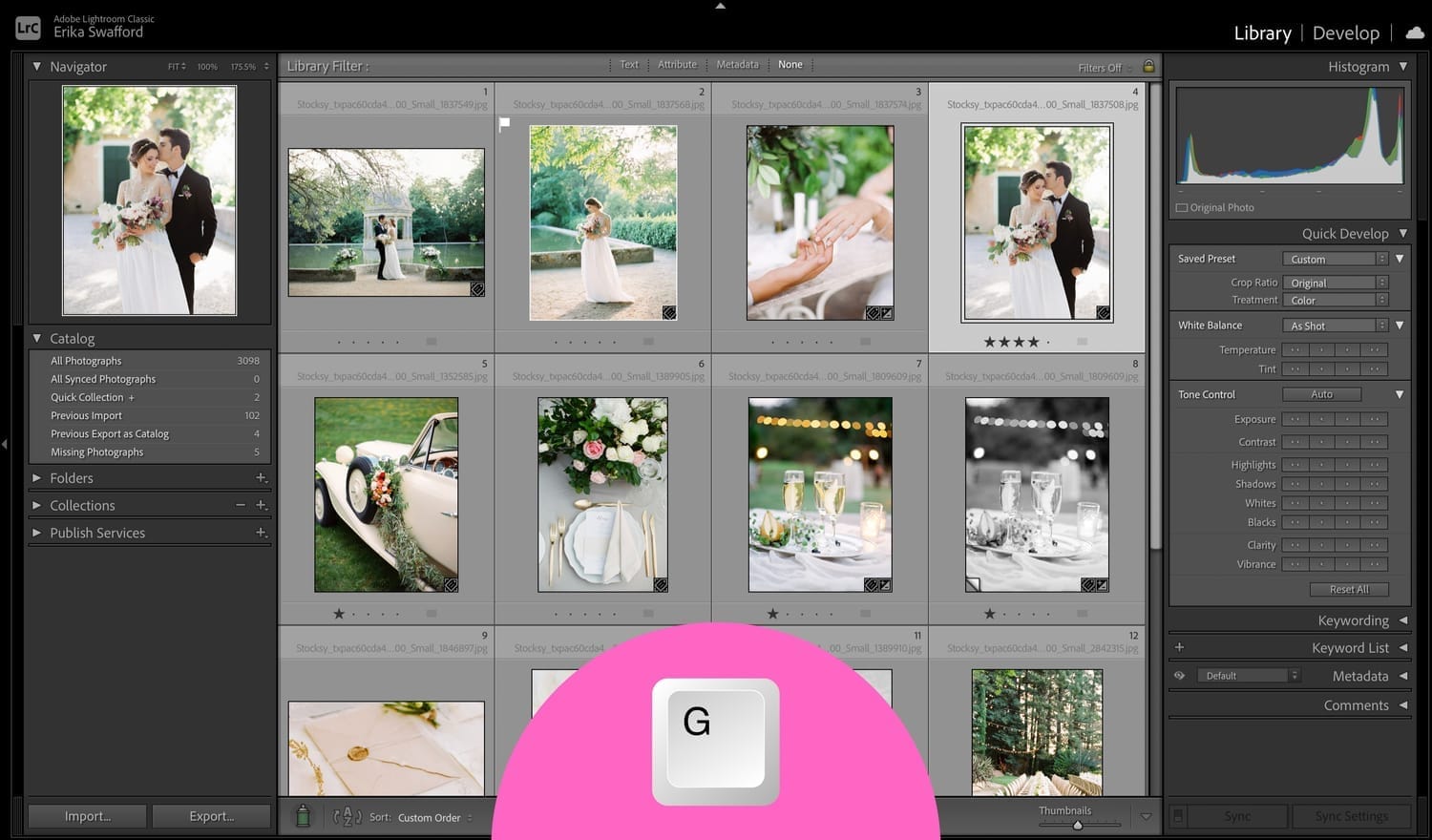
Shortcut #1 – G for Grid View
Tap G on your keyboard to go straight to the Library Grid View. I use this one A LOT!
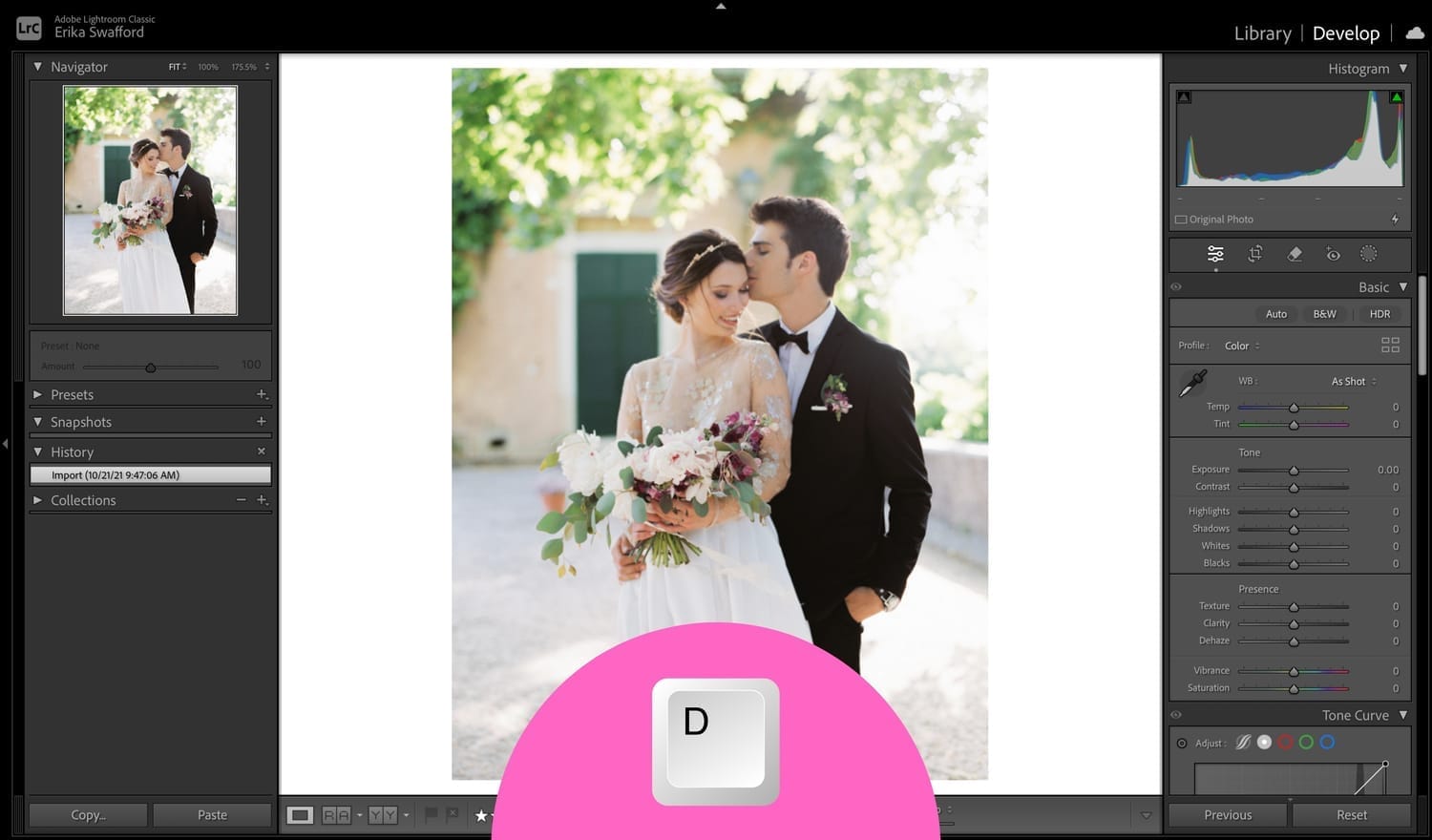
Shortcut #2 – D for Develop Module
Hit D and jump right into the Develop Module to start editing. Another one I use a lot.
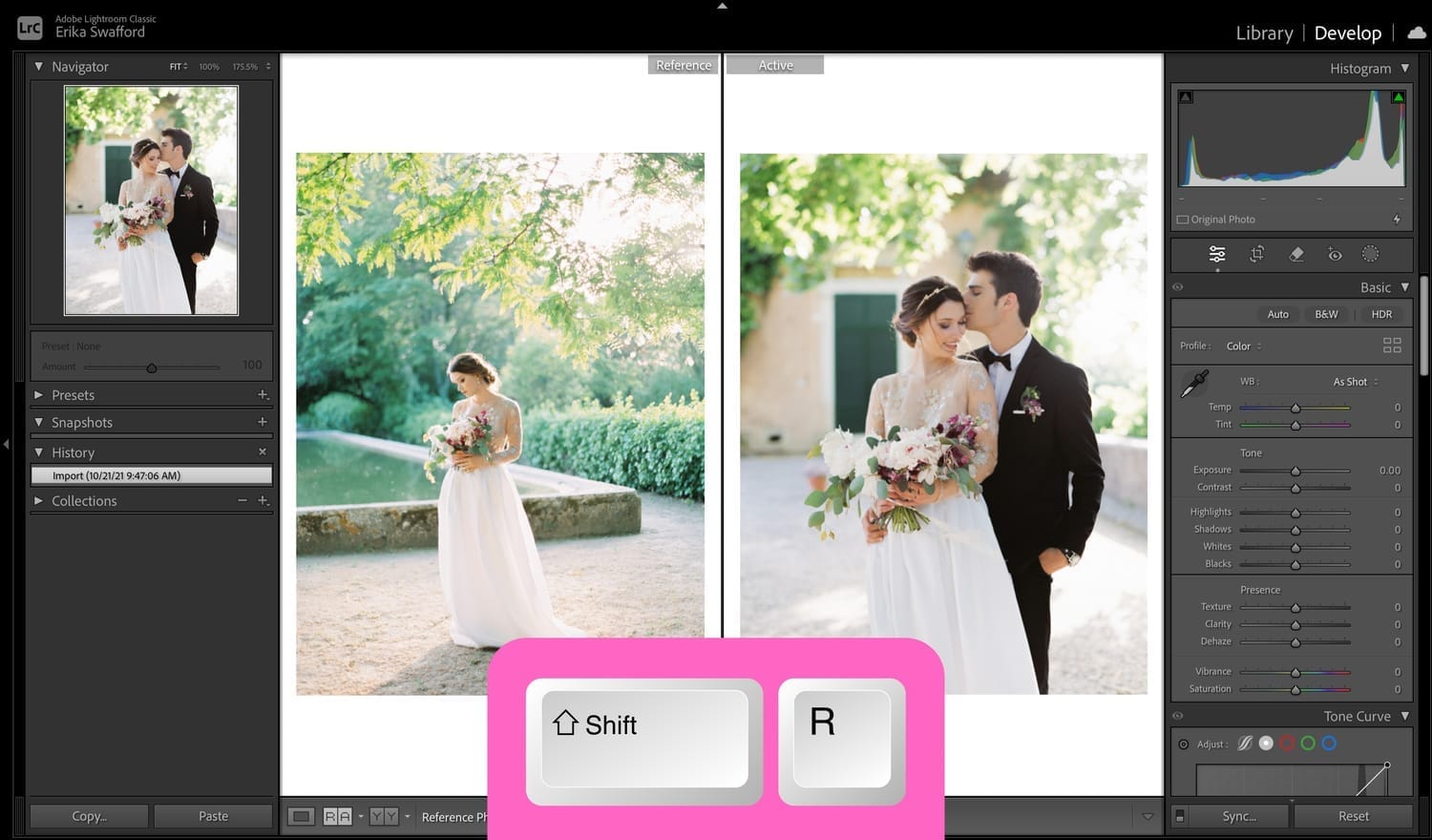
Shortcut #3 – Shift + R for Reference View
Trying to match your images so they look consistent? Press SHIFT + R for Reference View. Drag a reference photo into the left side and click on an image you want to edit to match up with it so you’ll see them side by side.
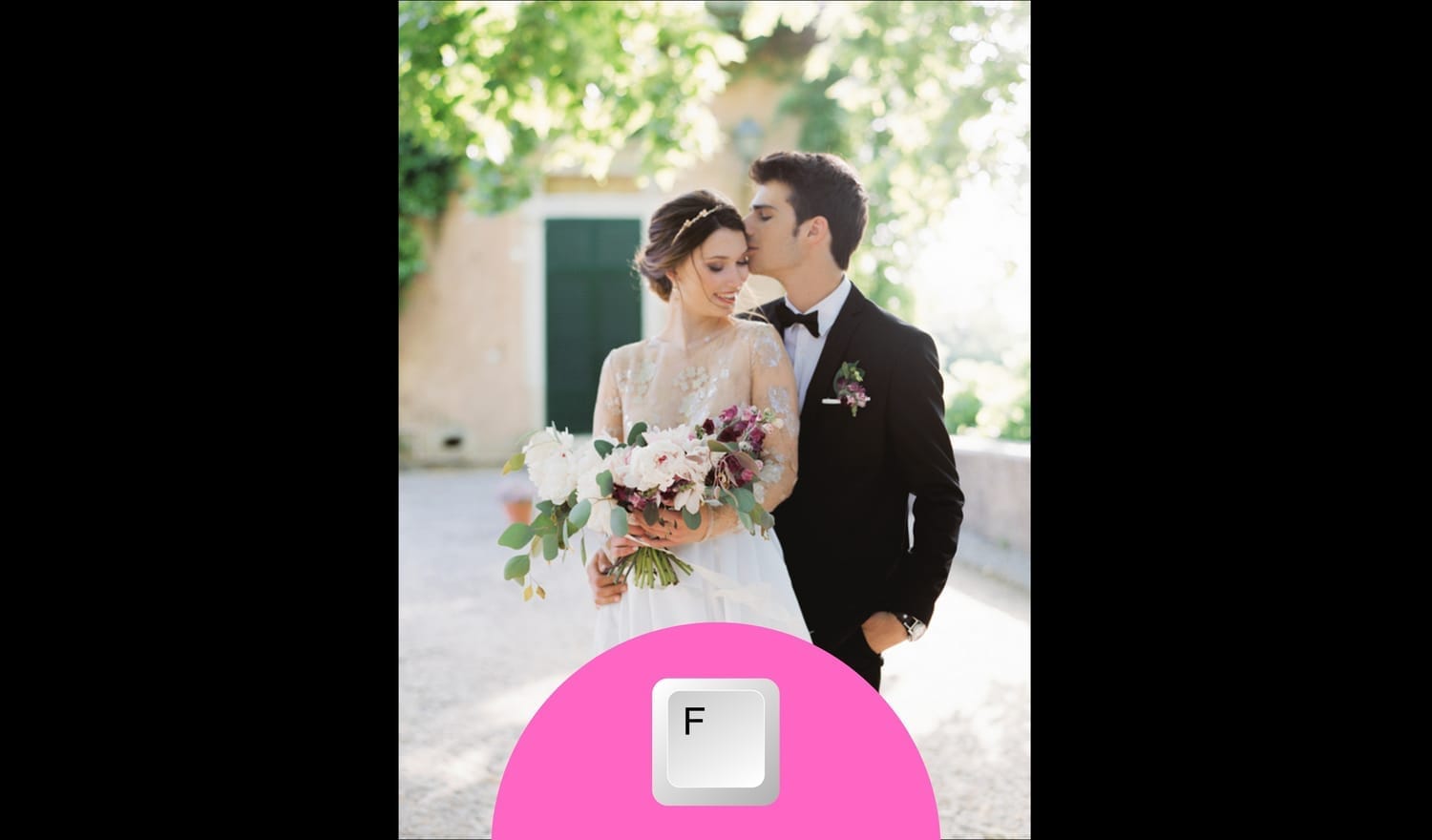
Shortcut #4 – F for Full Screen
Want to clear the clutter? Press F for a full screen preview of your image. This gives you the largest view of an image without any of the panels to distract from it.
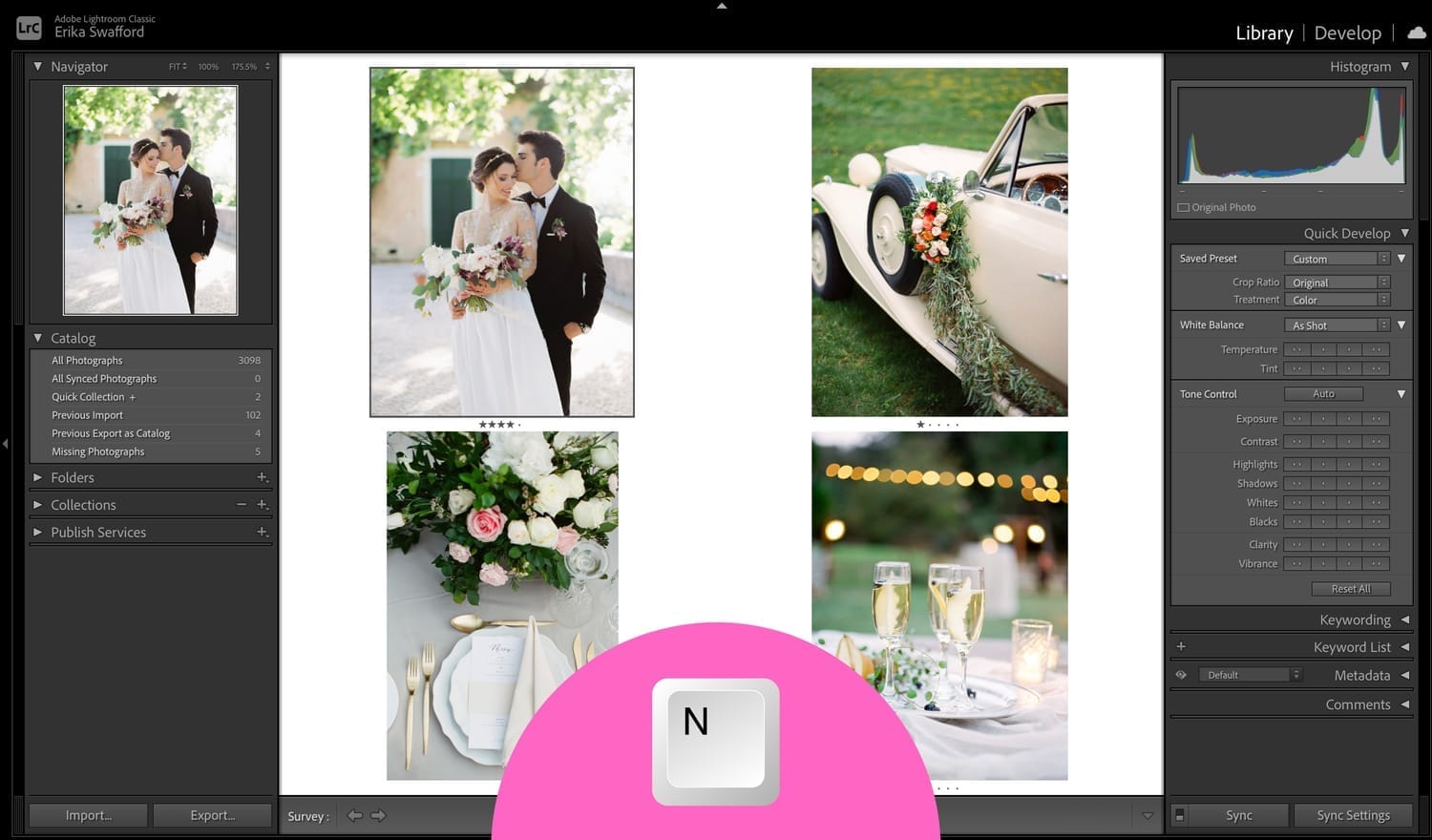
Shortcut #5 – N for Survey View
Select multiple images, then tap N for Survey View to compare them side by side. I love this when I’m:
➜ Choosing between similar shots while culling
➜ Checking consistency in edits for a group of photos
Bonus – How to Learn Shortcuts Faster
If remembering them all feels overwhelming, here’s what helped me:
➜ Keep a sticky note or index card next to your monitor
➜ Print a cheat sheet and tape it to your wall
➜ Put labels on your keyboard keys
Before you know it, they’ll become second nature and muscle memory.
Give one a try for a week—you’ll be amazed how much faster you move through Lightroom.
Want even more editing time-savers? Sign up for my free mini-workshop, Shoot to Edit Less to learn seven ways your camera habits can save you time in Lightroom.
Happy editing,
Erika

Check Out the Newest Posts
Hey there photographer!

I'm Erika. I'm a private photo editor for wedding photographers and photo editing educator. Think of me as your techy friend who loves figuring out the shortcuts in Lightroom Classic so you don't have to.


Blog Categories


(Affiliate Code)


Online private photo editor based in Cleveland, Tennessee, serving wedding photographers worldwide.
Services
Color Correction
Style Matching
Lightroom Classic Retouching
Image Culling

Copyright © 2020-2026 Erika Swafford. All Rights Reserved
Created with Systeme.io